Quick Start
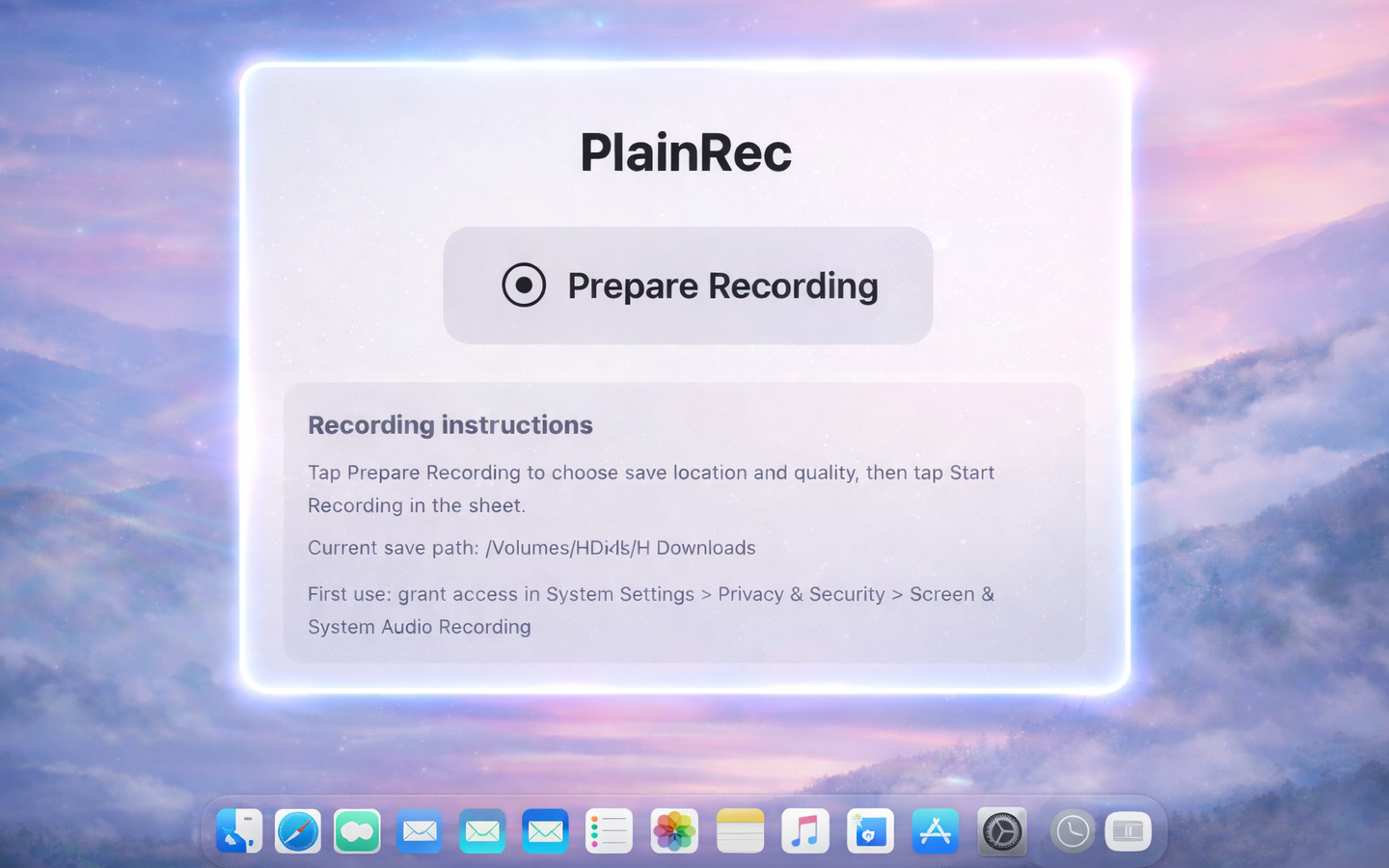
Open and record in seconds with less setup friction.
Record Clearly on macOS
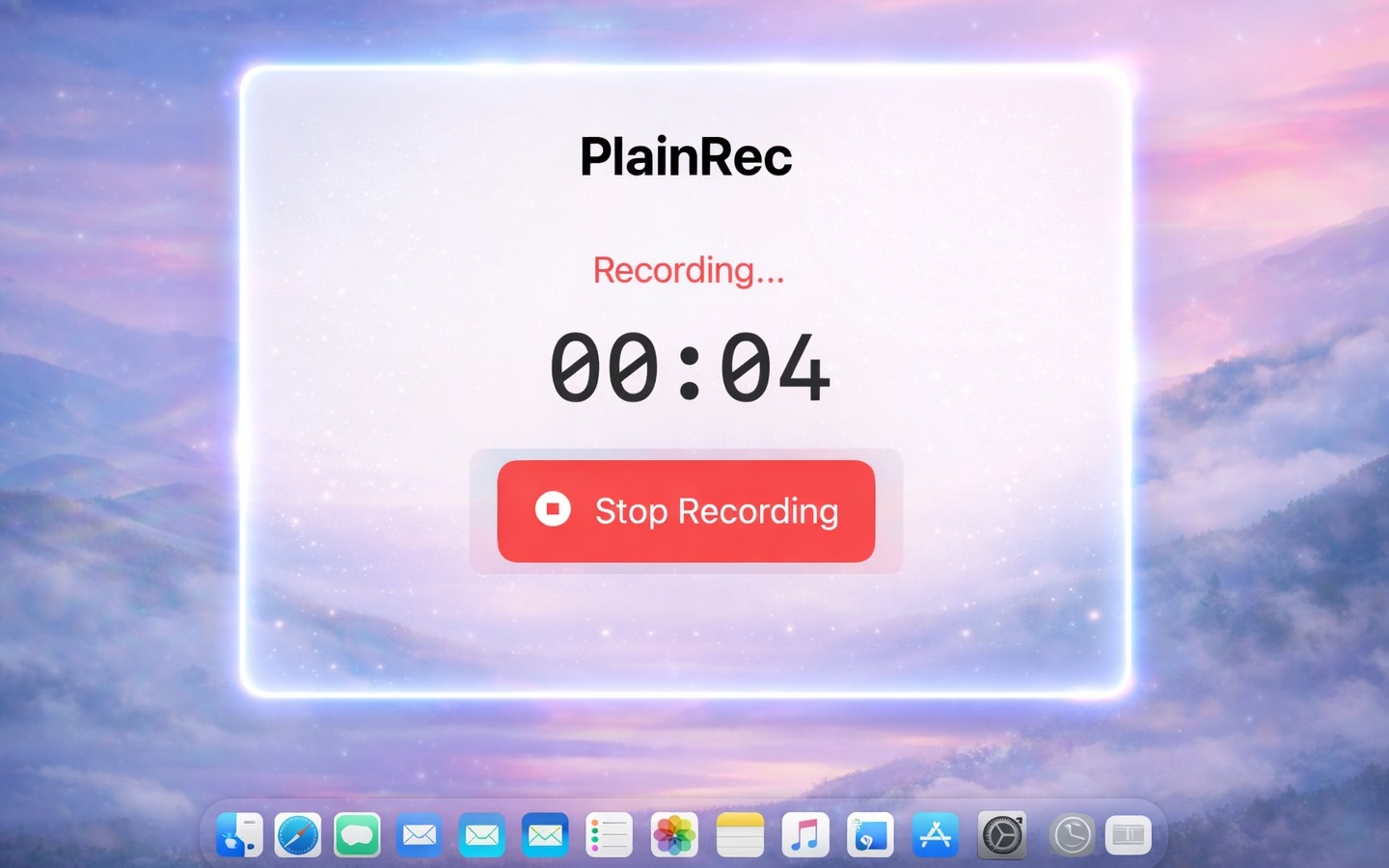
Start recording quickly and export reliable, high-quality videos. Ideal for product walkthroughs, feedback videos, and online teaching content.
Why teams choose PlainRec
Open and record in seconds with less setup friction.
Keep your recording flow smooth without cluttered controls.
Export stable videos ready for sharing and publishing.
Press Cmd+Z, click a window to zoom in and keep viewers focused on one area.
"PlainRec is super efficient for product feedback recordings."
Product Designer"I use PlainRec for course videos and exports are consistently stable."
Online Educator"For remote collaboration, a short recording saves a lot of back-and-forth."
Remote Team LeadPlainRec is built for macOS. Recent macOS versions are recommended for best performance.
Yes. Once exported, you can send the file to your team or upload it to your platform.
Press Cmd+Z, then click the target window to enter zoom focus mode. In focus mode, press Cmd+Z again or Esc to exit.
Please visit the Support page and send us an email.
Ready to get started? Download PlainRec and create your first high-quality recording in minutes.